
Make any image upload-ready
Free image compressor, resizer, and converter — compress to exact KB, resize to any dimension, and prepare photos and signatures for online forms.
Drop your image here
JPG, PNG, WebP · Up to 25 MB · Works offline
Preparing your image…
image.jpg
— × —
Popular tools
Why FormFit
The simplest way to compress, resize, and convert images for any online form — no software to install, no account to create, and nothing uploaded.
Private by design
Your images never leave your device. Zero server uploads, zero tracking, zero risk.
Instantly fast
No upload wait time. Results appear the moment your image is ready — even on slow connections.
No login, ever
No account, no signup, no email. Just open a tool and start working.
Free forever
All tools are completely free. No limits, no watermarks, no "upgrade" prompts.
Works offline
Once loaded, FormFit works without an internet connection. Perfect for travel or spotty Wi-Fi.
No ads, no tracking
No analytics scripts, no ad networks, no cookies. Your browsing stays yours.
How it works
Upload
Choose an image and enter your form's requirement.
FormFit prepares it
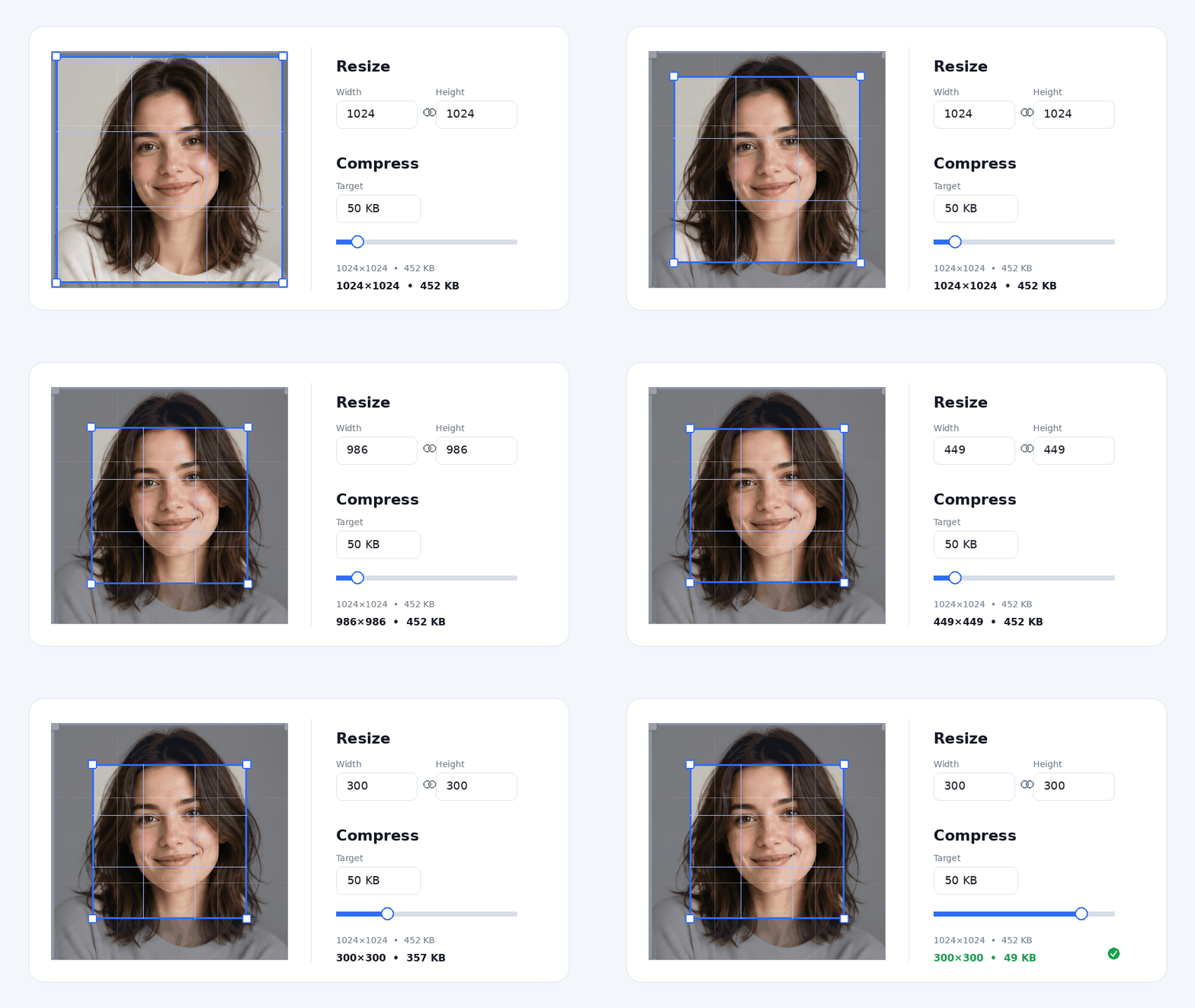
Crop, resize, convert, and compress — all in-browser.
Download
Save the result, matching your form's rules.
No uploads. Your files stay on your device — always.
Built for real uploads
When a form rejects your image — too large, wrong dimensions, wrong format — compress, resize, and convert it with FormFit in seconds.
- Job applications
- University applications
- Government forms
- Examination registrations
- Scholarship applications
- Visa & passport photos
- Profile pictures
- Online portals & document uploads
FormFit vs. the alternatives
Why thousands of people choose FormFit over photo editors, online uploaders, and desktop apps.
| FormFit | Photoshop / GIMP | Online uploaders | |
|---|---|---|---|
| Price | Free | $20+/month | Free with limits |
| Account required | No | Yes | Usually yes |
| Images uploaded to server | Never | No | Always |
| Learning curve | None | Steep | Low |
| Works offline | Yes | Yes | No |
| Ads / watermarks | None | None | Common |
| Time to result | Seconds | Minutes | Minutes |
Ready to get your image accepted?
No signup. No upload. No waiting. Pick a tool below and fix your image in seconds.
Frequently asked questions
What is FormFit?
FormFit is a free online tool that lets you compress, resize, and convert images directly in your browser. It helps you prepare photos and signatures for online forms without uploading your files to any server.
How can I compress an image online?
Upload your image to the FormFit compressor tool, set your desired file size or quality, and download the compressed image instantly. The entire process happens in your browser — no server upload required.
How can I reduce image size in KB?
Use the FormFit image compressor to reduce your image file size in KB. Enter your target size — such as 50 KB or 100 KB — and FormFit will compress the image to fit within that limit while keeping the best possible quality.
How can I compress an image to 50KB?
Open the FormFit compressor, upload your image, enter 50 in the target size field, and click Compress. FormFit will reduce your image to 50 KB or smaller while maintaining the highest possible quality.
How can I resize an image to exact pixels?
Use the FormFit resizer tool to enter your exact width and height in pixels. You can set any dimension like 300x300, 500x500, or custom sizes to match your form requirements.
How do I resize an image to 300x300 pixels?
Upload your image to the FormFit resizer, enter 300 in both the width and height fields, and click Resize. Your image will be resized to exactly 300x300 pixels.
Can I resize and compress an image at the same time?
Yes, you can use FormFit to resize your image to the required dimensions and then compress it to the target file size. Both tools work together to prepare your image for any online form.
How can I resize a signature online?
Upload your signature image to the FormFit signature resizer, set the required width and height, and download the resized signature. FormFit automatically crops empty space and centres the signature.
How can I compress a signature to 20KB?
Use the FormFit signature compressor to upload your signature, set the maximum file size to 20 KB, and download the compressed result. FormFit ensures your signature fits within the size limit.
Can I resize JPG, PNG, and WebP images?
Yes, FormFit supports JPG, PNG, and WebP images. You can resize and compress all three formats directly in your browser.
How can I convert PNG to JPG?
Upload your PNG image to the FormFit image converter, select JPG as the output format, and download the converted file. The conversion happens instantly in your browser.
Does resizing an image reduce file size?
Yes, resizing an image to smaller pixel dimensions typically reduces its file size. However, if you need to meet an exact KB limit, it is best to use a dedicated image compressor after resizing.
How can I reduce image size without losing too much quality?
Use the FormFit image compressor to reduce file size while maintaining the best possible quality. It uses smart compression to shrink your image without making it look blurry or pixelated.
Can I compress images without uploading them to a server?
Yes, FormFit runs entirely in your browser. Your images are never uploaded to any server, making it a completely private way to compress and resize your photos.
Is FormFit free to use?
Yes, FormFit is completely free. You can compress, resize, and convert as many images as you need without any cost.
Do I need to create an account to use FormFit?
No, FormFit does not require any account or registration. Simply open the tool, upload your image, and download the result.
How can I prepare a photo for an online application form?
Upload your photo to FormFit, resize it to the required dimensions, compress it to the allowed file size, and download the ready-to-upload image — all in a few clicks.
How can I reduce a photo below an upload size limit?
Use the FormFit compressor to set your target file size below the upload limit. Enter the maximum size allowed by your form and FormFit will compress the photo to fit.
What is the difference between image dimensions and image file size?
Image dimensions refer to the width and height of the image in pixels, such as 300x300. Image file size refers to the storage space the image occupies, measured in KB or MB. FormFit lets you control both — resize dimensions and compress file size separately.
What is the best image format for a smaller file size?
JPG and WebP are generally the best formats for smaller file sizes. PNG is ideal when you need transparency. FormFit supports all three and lets you convert between them easily.